WFH guide
21 work-from-home tax deductions Aussies miss in 2026
A practical EOFY checklist for salaried Australians working from home.
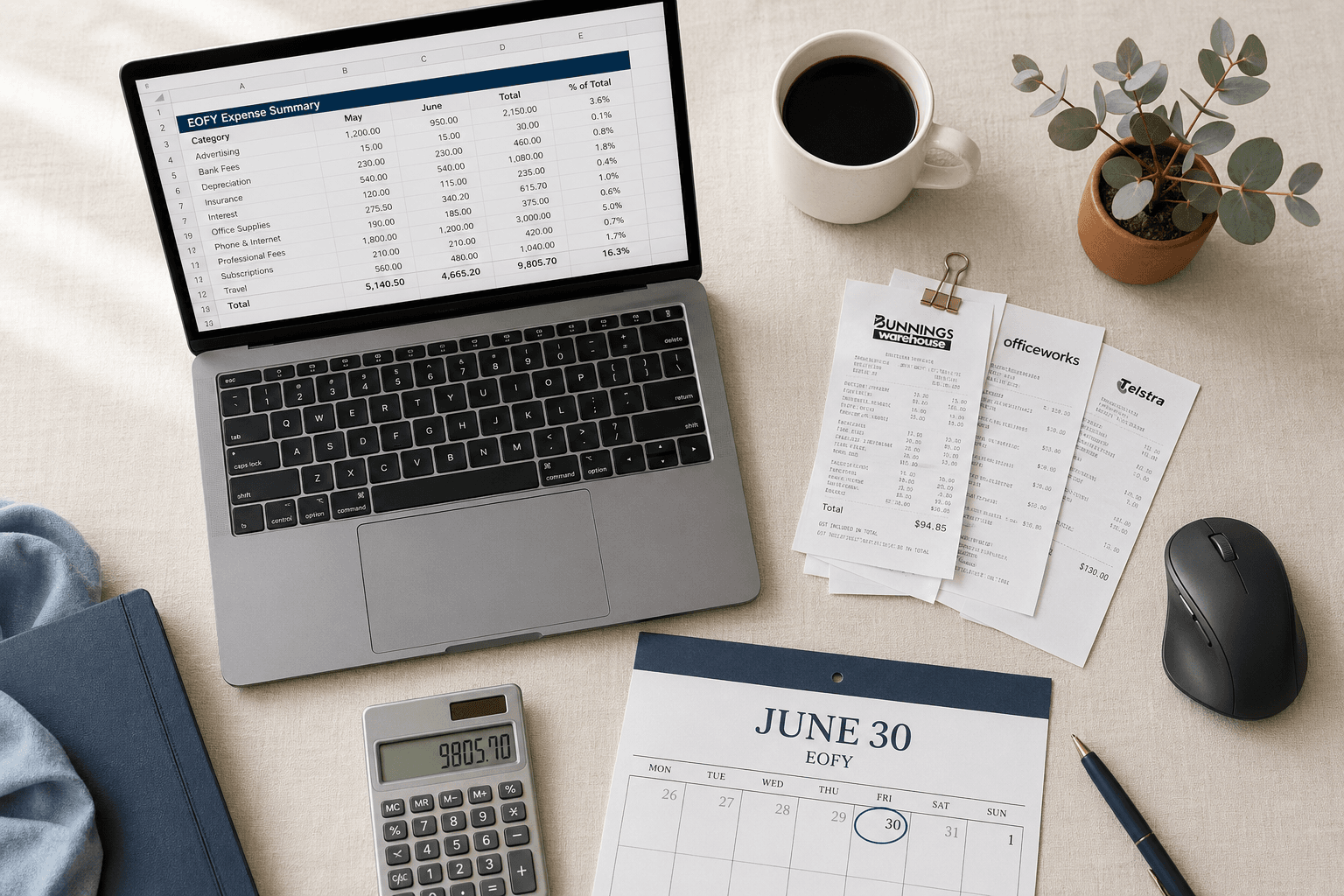
Quick checklist
- Record WFH hours by week or pay cycle.
- Keep internet, mobile, electricity, stationery, software, and equipment receipts.
- Note work-use percentages while the purchase is still fresh.
- Separate items your employer reimbursed from items you paid for yourself.
Start with the receipts you already get by email
The easiest WFH deductions to miss are the small recurring ones. ATO guidance is clear that records matter: the useful number is the one you can support, not the biggest estimate you can invent in June.
The useful habit is simple: forward the receipt when it arrives, add a short note if work-use is not obvious, and let EOFY become an export task instead of a memory test.
Separate fixed-rate from actual-cost records
The ATO fixed-rate method is simple because it uses your recorded WFH hours. Actual cost may produce a higher estimate for some people, but it needs stronger records and reasonable apportionment.
Use the WFH calculator first, then keep evidence for whichever method you discuss with your accountant.
The 21 WFH receipts worth checking
Use this as a search checklist, not a promise that every item belongs in your return. If an item was reimbursed, private, or weakly connected to your current work, keep it out or ask your accountant.
- 1Internet bills, with a work-use percentage note.
- 2Mobile phone bills, where work calls or data are part of the cost.
- 3Electricity or gas bills used in an actual-cost calculation.
- 4Printer ink and paper used for work documents.
- 5Stationery, notebooks, folders, and filing supplies used for work.
- 6Monitor, keyboard, mouse, webcam, headset, or dock.
- 7Desk, chair, lamp, laptop stand, or other home-office equipment.
- 8Repairs to work equipment you paid for yourself.
- 9Software subscriptions used to do your job.
- 10Cloud storage, password managers, or security tools used for work.
- 11Professional memberships connected to your role.
- 12Union fees or registration fees where relevant.
- 13Courses or conferences that maintain or improve current job skills.
- 14Books, journals, and learning materials tied to current work.
- 15Coworking day passes where they are genuinely work-related.
- 16Work-related postage, printing, or document costs.
- 17Protective items needed for work at home or client sites.
- 18Depreciable equipment over $300, captured separately for accountant review.
- 19Charitable donation receipts from deductible gift recipients.
- 20Receipts for replacement accessories like chargers or cables used for work.
- 21Any mixed-use purchase with a note explaining the work portion.
Worked example
Hybrid worker, mixed receipts
Maya works from home Tuesday, Wednesday, and Thursday — about 22 hours a week for 46 weeks. She keeps a roster, forwards her internet and mobile bills as they arrive, and bought a new monitor in October.
- WFH hours recorded— 22 hrs/wk × 46 weeks
- 1,012 hrs
- Fixed-rate planning estimate— 1,012 × $0.70
- $708.40
- Monitor (work-use 100%)— Captured separately for accountant review
- $329.00
- Internet (work-use 30% of $89/mo)— Asset of evidence: 12 monthly bills
- $320.40
- Mobile (work-use 20% of $55/mo)— Asset of evidence: 12 monthly bills
- $132.00
Maya's accountant decides which records belong inside the fixed-rate method, which can sit alongside it (like the monitor), and which need adjustment. The point of the system is not the dollar total — it is that every line is supportable.
Illustrative example only. Numbers are general information, not personalised tax advice. Check ATO guidance or speak to a registered tax agent before lodging.
Common mistakes to avoid
- Claiming the full bill for shared internet, mobile, or electricity instead of a reasonable work-use percentage.
- Reconstructing WFH hours from memory in June. The ATO expects a contemporaneous record kept across the year, not an estimate written at tax time.
- Including items your employer reimbursed. If it was paid back, it does not belong in your deduction records.
- Treating bank or credit-card statements as proof on their own. They show money moved, not what was bought or why it was work-related.
Receipts to search for
Frequently asked questions
Do I need receipts to claim the 70c/hour fixed-rate WFH method?
You do not need a receipt for the cents-per-hour calculation itself, but the ATO does expect a contemporaneous record of your WFH hours — for example a roster, diary, timesheet, or app log kept across the year. You also need at least one bill for each running expense the rate covers (e.g. one electricity bill, one internet bill) to show the cost was incurred. Capital items like a monitor or chair sit outside the fixed rate and need their own evidence.
Can I claim coffee, snacks, or lunch while working from home?
No. Food and drink consumed while working from home is generally a private expense and not deductible. The ATO is explicit on this. The same goes for childcare, mortgage interest on your main residence, and rates.
Is my home office furniture deductible?
It can be, depending on cost and work use. Items costing $300 or less and used solely for work are typically claimable in the year of purchase. Items over $300 are usually claimed via decline in value over their effective life. Mixed personal/work items need a reasonable work-use percentage. Check ATO guidance or speak to a registered tax agent before lodging.
How long do I need to keep WFH receipts and records?
Generally five years from the date you lodge your return. That includes hour logs, bills, receipts, work-use notes, and any diary entries supporting your claim.
What if I forgot to track hours for part of the year?
A reasonable estimate based on your roster, calendar, or work pattern is better than guessing. Note clearly which periods are estimated versus directly recorded, and start a contemporaneous log from today onwards. A registered tax agent can advise whether the gap is supportable.
Sources
Last reviewed 29 Apr 2026 by Kalana Vithana. TaxBoy is not a registered tax agent and this article is general information, not tax advice.